Portal notifications
| What happened | Who hears about it | How |
|---|---|---|
| A signed-in customer sends a request | Every admin and super admin | The bell in Admin |
| A guest sends a request | Every admin and super admin | The bell, and an email to the guest |
| Somebody creates an account with an email you do not have | Every admin and super admin | The bell, and the emails in signing in |
| A message on a request | Every admin and super admin | The bell |
| Your office replies or updates a request | The customer | The bell in the portal, and the card refreshes under them |
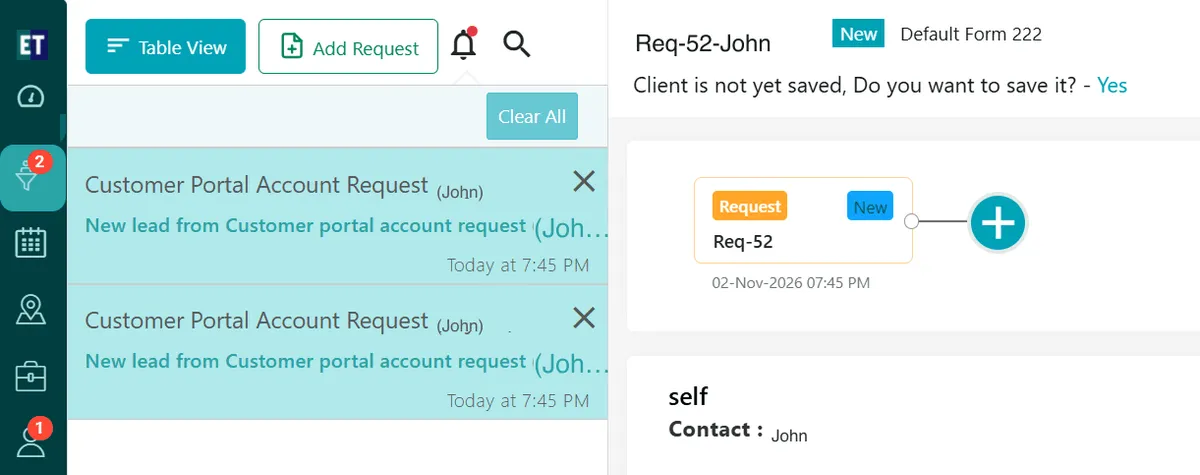
Admin → notifications
Your usual New request email still goes out as well, where that template is switched on in templates.
With several Admin tabs open, a notification shows once rather than in every tab.
An admin who has never signed in to the web admin gets no bell. Signing in once is all it takes — until then there is nothing to notify.