Signing in and creating an account
A customer signs in with their email or user ID and a password.
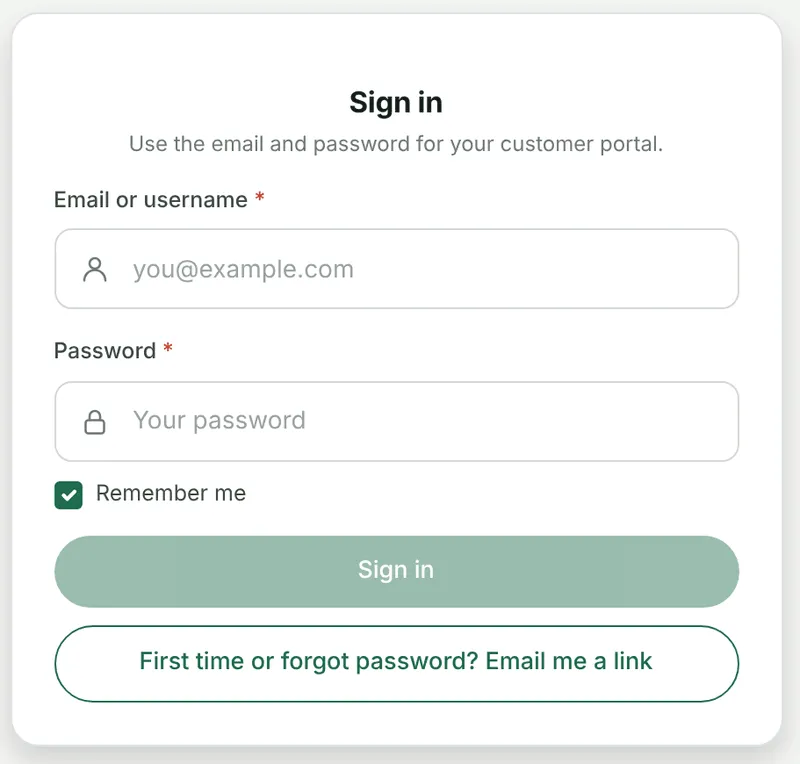
The portal → Sign in
First time or forgot password? sends a set-password link to whatever they typed. It is the same link either way — a customer who has never signed in and one who has forgotten follow the same path, so there is nothing for your office to do.
Passwords need at least three characters, as in the old portal.
When an email is on more than one contact
Section titled “When an email is on more than one contact”If the email belongs to several contacts of yours, the portal cannot tell which person is signing in, and asks for the user ID instead.
Give each contact their own user ID on the client’s record and the problem goes away. It is worth doing for the client who gives you one shared mailbox for four people.
Creating an account
Section titled “Creating an account”Where Sign up is switched on, a visitor can ask for an account. What happens next depends on the email they use.
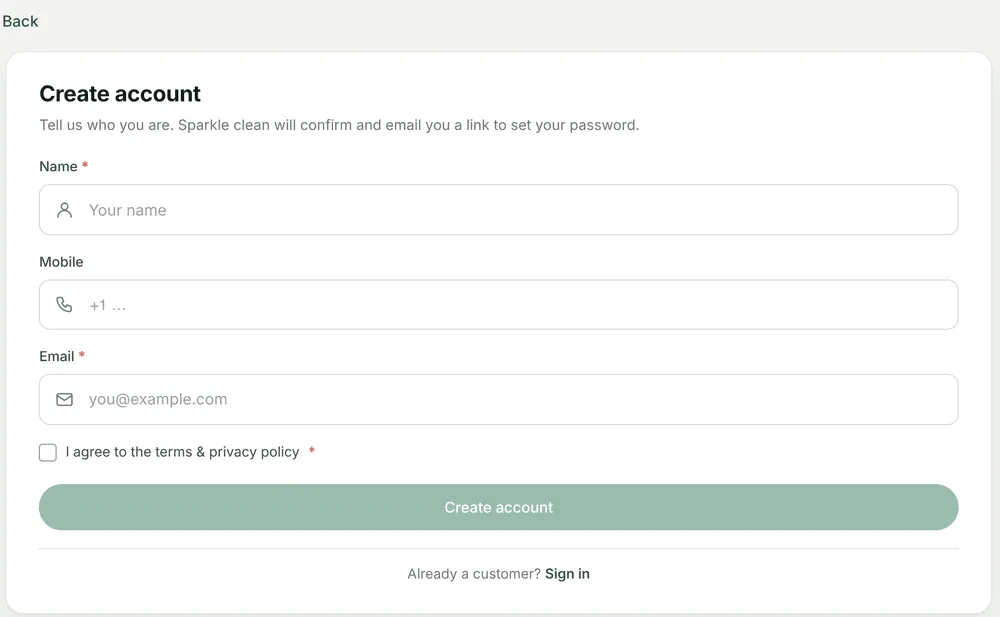
The portal → Create account
| The email is… | What happens |
|---|---|
| Not known to you | An account request arrives in Requests, marked as a sign-up. The person is emailed “Your account request”, and every admin gets a bell. When you save the client from that request, the contact is given portal access and a Set your password email. |
| A contact you already have | Portal access is switched on for that contact and they are sent a set-password link — “You already have an account”. Your office is told by email. |
| On several of your contacts | No link is sent. Both the person and your office are told a user ID is needed. |
The screen says the same thing in all three cases. That is deliberate: it means the form cannot be used to find out who is a customer of yours and who is not.
A link is not sent twice within two minutes, so somebody pressing the button repeatedly does not get a mailbox full of them.