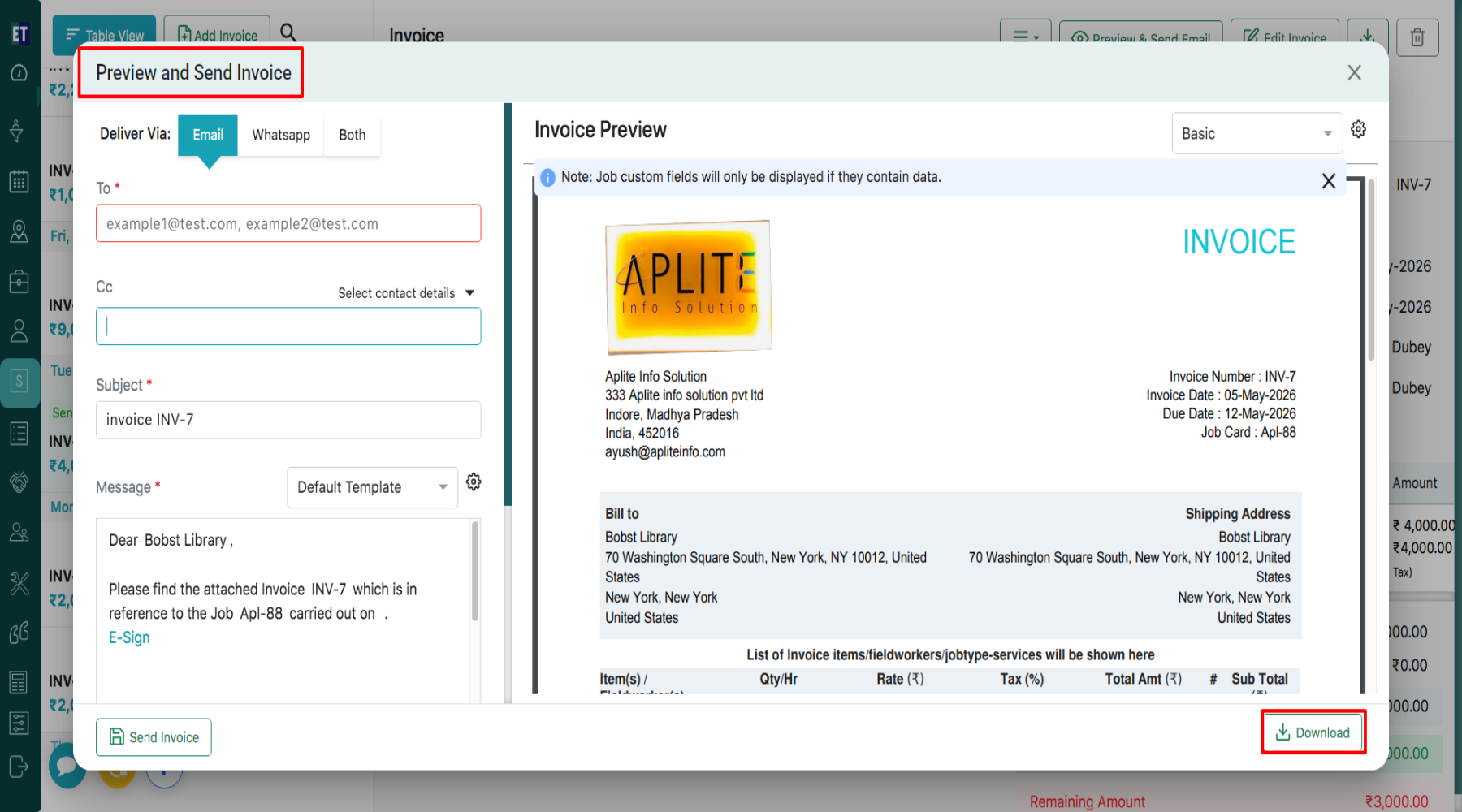
How do I download and email an invoice?
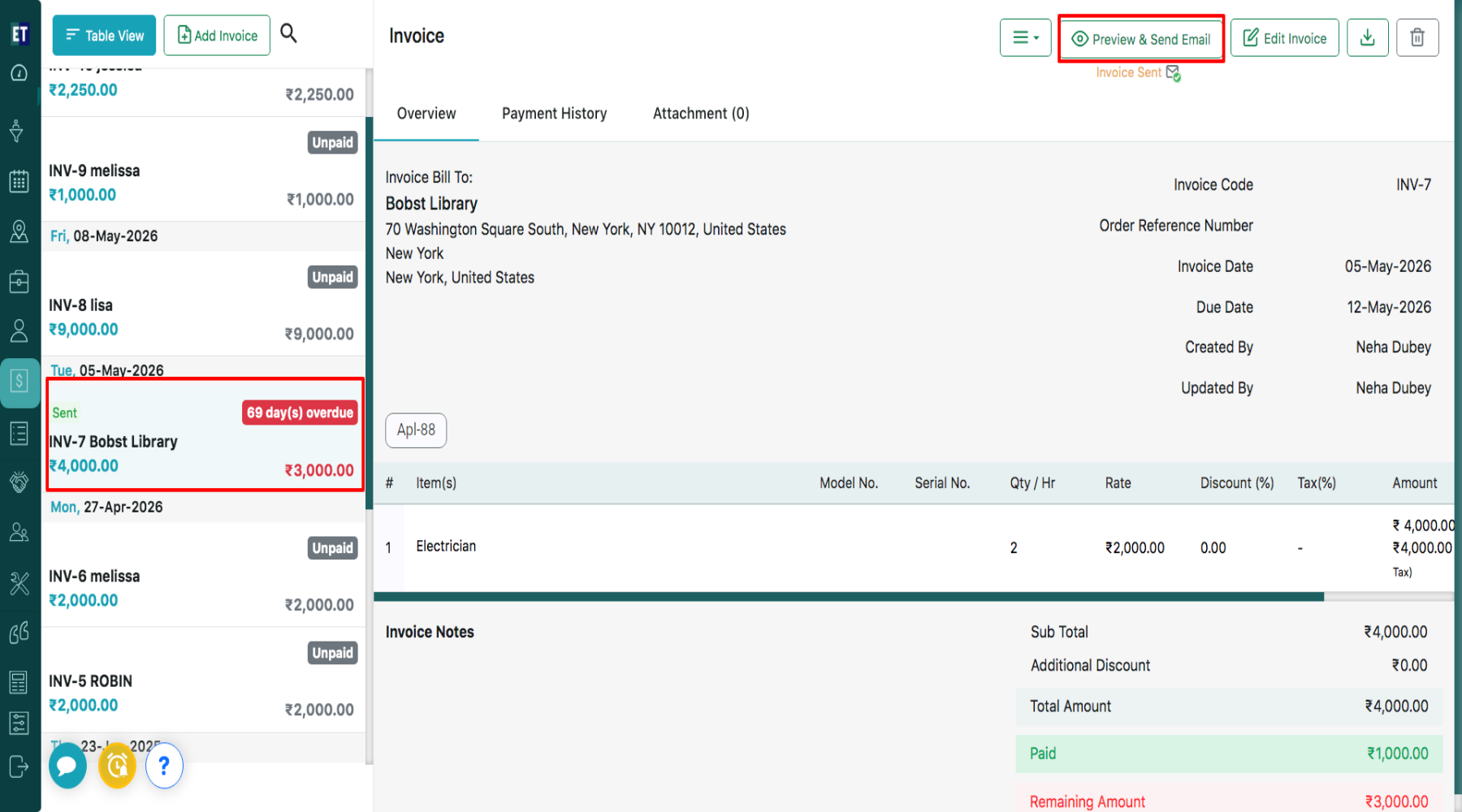
Select the Invoice then click on Preview & send email button from the header.
Clicking the Preview & Send Email button opens the Invoice Preview window, where you can review the invoice before downloading or sending it via email. Clicking on the Download button will download the invoice in PDF format.