How do I view an answer in Additional Form inside job details?
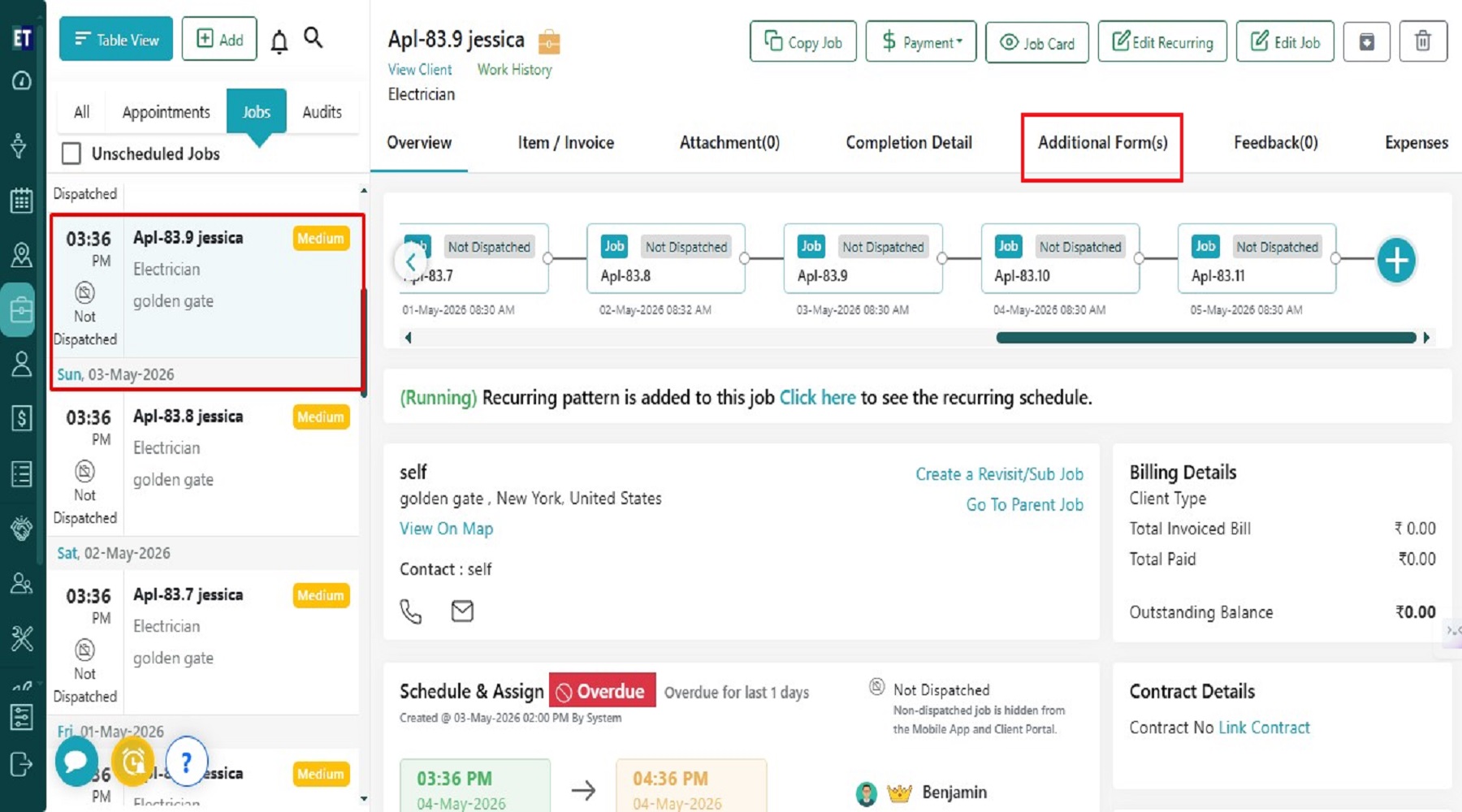
Go to the Work section and Select any Job then select Additional Form(s).
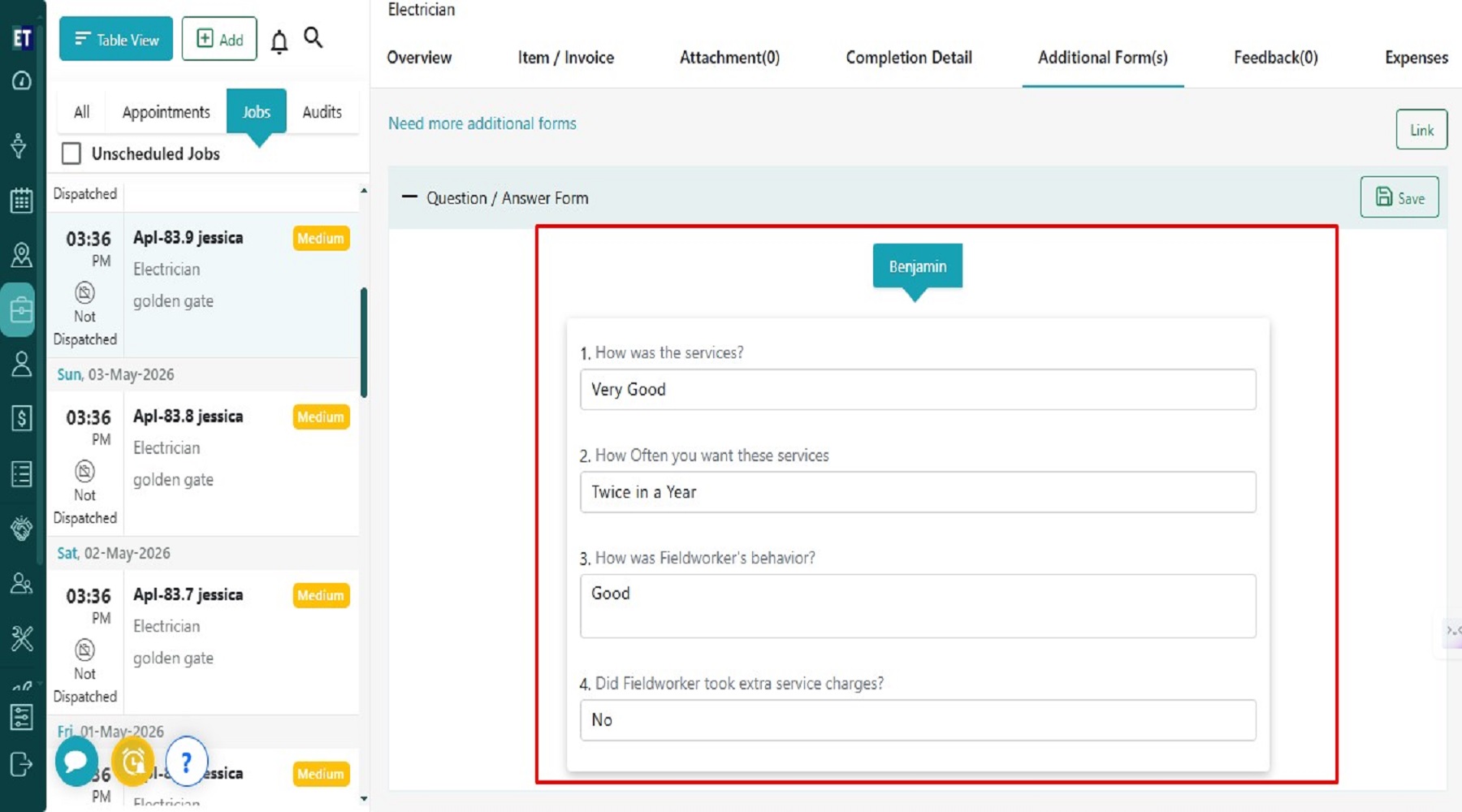
 Here, you can view all the Question and Answers that have already been added for the fieldworker assigned to this specific job.
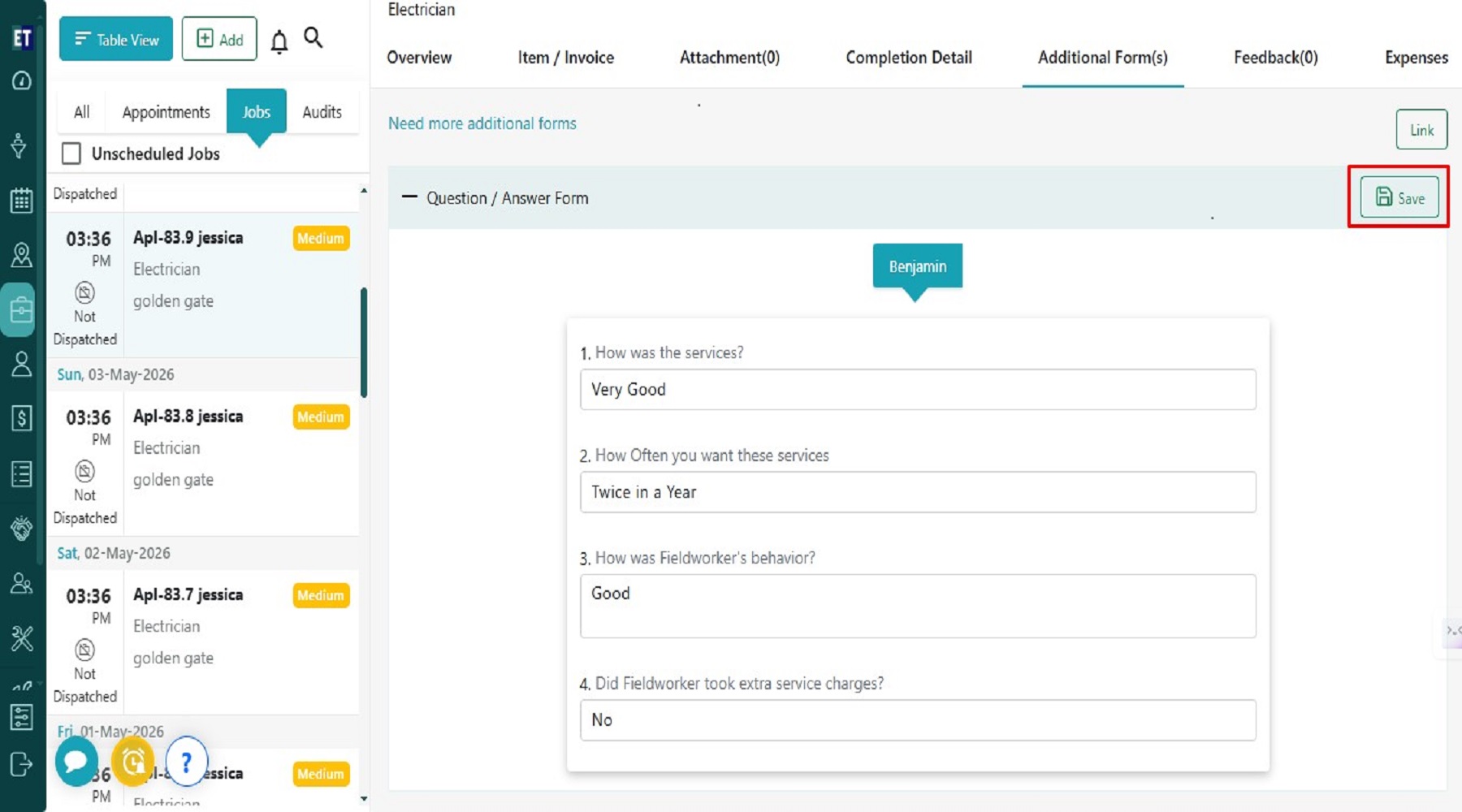
 You can edit the answer here and then click the Save button to save it.
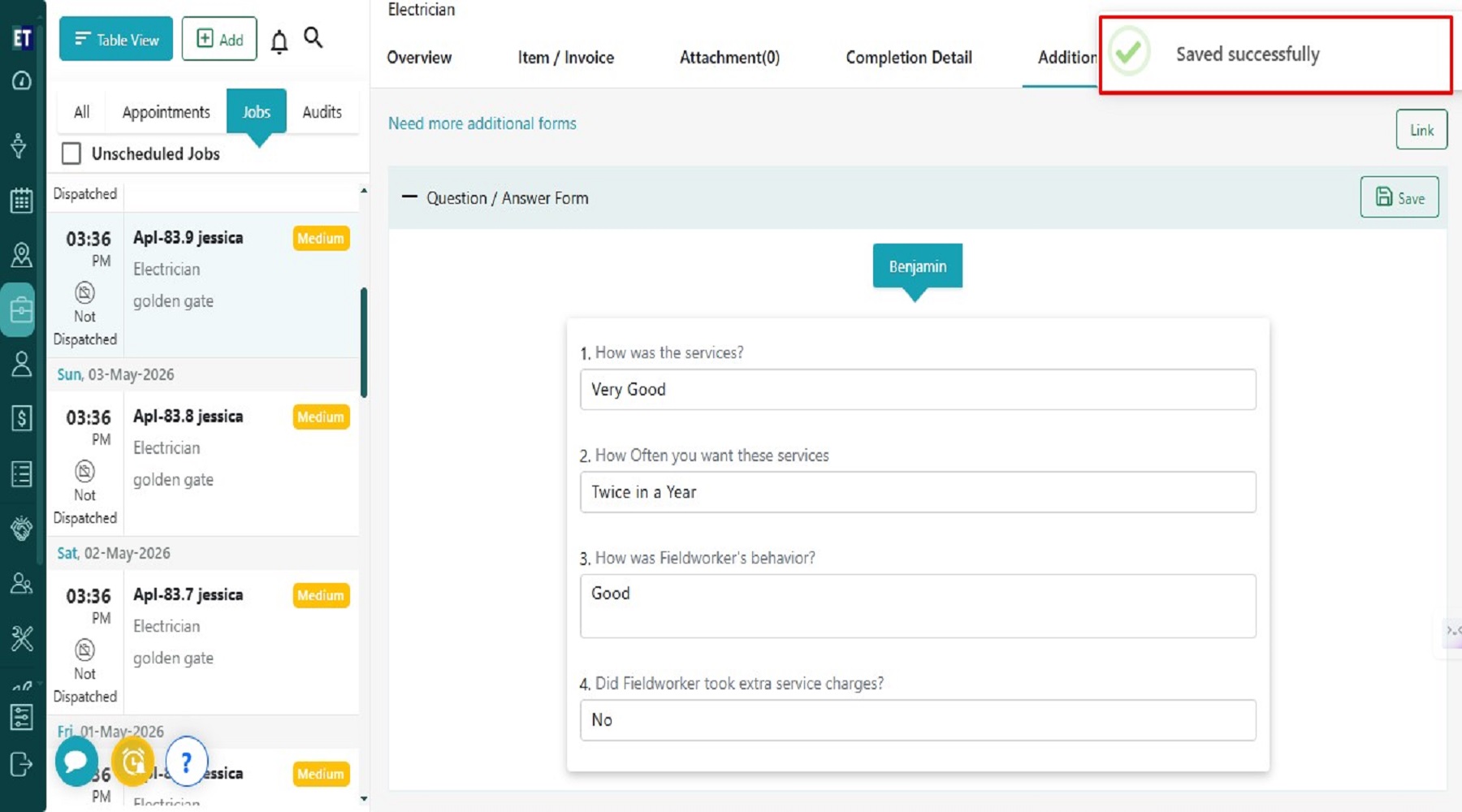
 Clicking on Save will display a success alert, it means the answer has been updated.
Here, you can view all the Question and Answers that have already been added for the fieldworker assigned to this specific job.
You can edit the answer here and then click the Save button to save it.
Clicking on Save will display a success alert, it means the answer has been updated.